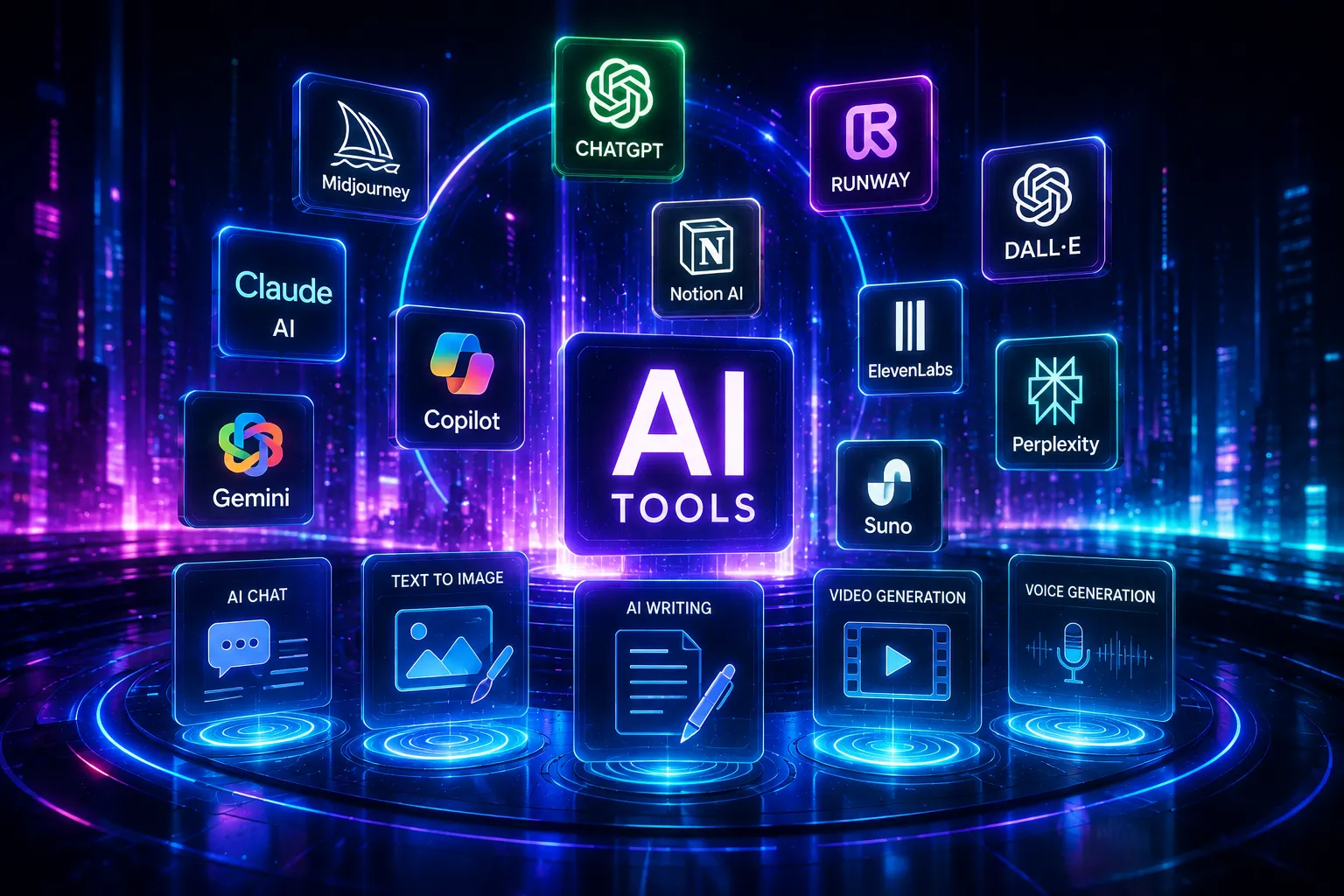
Every "best AI tools" list eventually turns into fifty logos and no real guidance. This one is organized the way professionals actually shop for AI tools: by the job you're trying to get done, with specifics on what each tool is actually good at and where it falls short.
General-purpose assistants
ChatGPT remains the default starting point for most people — broad capability, a huge plugin and app ecosystem, and native support for documents, voice, and image input. Claude has built a strong reputation specifically for long-document work and writing that reads like a person wrote it rather than a model; its large context window makes it a strong choice when you're feeding it entire reports, codebases, or books rather than a single paragraph. Gemini leans on deep integration with Google's ecosystem — Docs, Sheets, and Search — which makes it a natural fit if your work already lives there. Perplexity positions itself less as a chatbot and more as an answer engine, citing sources directly in its responses, which makes it a better fit for research tasks where you need to verify a claim, not just generate one.
Coding assistants
GitHub Copilot is still the most widely adopted AI coding assistant, built directly into VS Code, JetBrains IDEs, and GitHub's web editor, with newer "workspace" features that reason across an entire project rather than just the current file. Cursor has carved out a strong following as an AI-first code editor rather than a plugin bolted onto an existing one, which lets it do more aggressive multi-file editing and refactoring. Claude, used directly or through developer tools built on it, is frequently favored for tasks that need broader reasoning — debugging a tricky issue, planning an architecture change, or reviewing a large diff — rather than fast autocomplete.
Image generation
Image tools have split into two distinct lanes. For artistic, stylized, or concept work, Midjourney and Leonardo remain the go-to choices, prized for aesthetic quality over strict accuracy. For photorealistic images and anything involving legible text or diagrams inside the image, newer models like Google's Imagen and OpenAI's latest image models have pulled ahead — genuinely useful for product mockups, infographics, or any image where the details need to be correct, not just pretty.
Video generation
Video splits the same way image generation did. Cinematic generators — Google Veo, Kling, and Runway — focus on short, high-quality generated footage with increasingly good audio and dialogue sync, useful for ads, trailers, and B-roll. Avatar-based platforms — HeyGen and Synthesia — instead turn a script into a presenter-style video with a synthetic or licensed avatar, which is what most explainer videos, internal training content, and localized marketing videos are actually built on now.
Research and knowledge tools
NotebookLM has become a favorite for a specific, narrow job: answering questions strictly from your own uploaded documents instead of the open internet, which makes it useful for research synthesis without the risk of the model wandering off and inventing something. Paired with a general assistant for broader research and Perplexity for anything requiring citations, this trio covers most knowledge-work research needs without a dedicated analyst.
Writing, SEO, and content operations
Grammarly has evolved well past grammar checking into a broader writing assistant embedded across the apps people already write in. Jasper remains popular specifically for marketing teams that need brand-voice consistency across a large volume of content. On the discovery side, Semrush and Surfer SEO are the standard tools for understanding how content performs in both traditional search and the newer world of AI-generated answers — increasingly important as more traffic shifts from clicking links to reading AI summaries.
Automation and agent platforms
Zapier and Make have both added AI steps directly into their existing automation platforms, letting non-engineers build workflows that combine traditional triggers (a new form submission, a new email) with an AI step (summarize, classify, draft a reply) without writing code. This is where most "AI agent" work actually lives for small and mid-size businesses today — narrow, well-defined automations, not fully autonomous systems.
Design and creative production
Canva's Magic Studio and Adobe Firefly have both built AI generation directly into tools creative teams were already using daily, which matters more than it sounds: it means AI-assisted design doesn't require learning a new app, just new buttons inside the old one. This lower-friction integration is a big part of why design teams adopted AI tools faster than almost any other discipline.
How to actually choose
Don't try to adopt every category at once. Pick the one or two categories that map to the slowest, most repetitive part of your actual job, get genuinely fluent in one tool from that category, and only expand once that habit sticks. The professionals getting the most value from this list aren't using the most tools — they've built a short, specific list of two or three they trust completely and know exactly when not to use.
Sources: Synthesia's 2026 AI tools roundup, DataCamp's productivity AI tools guide, and SurePrompts' tested 2026 category rankings.